

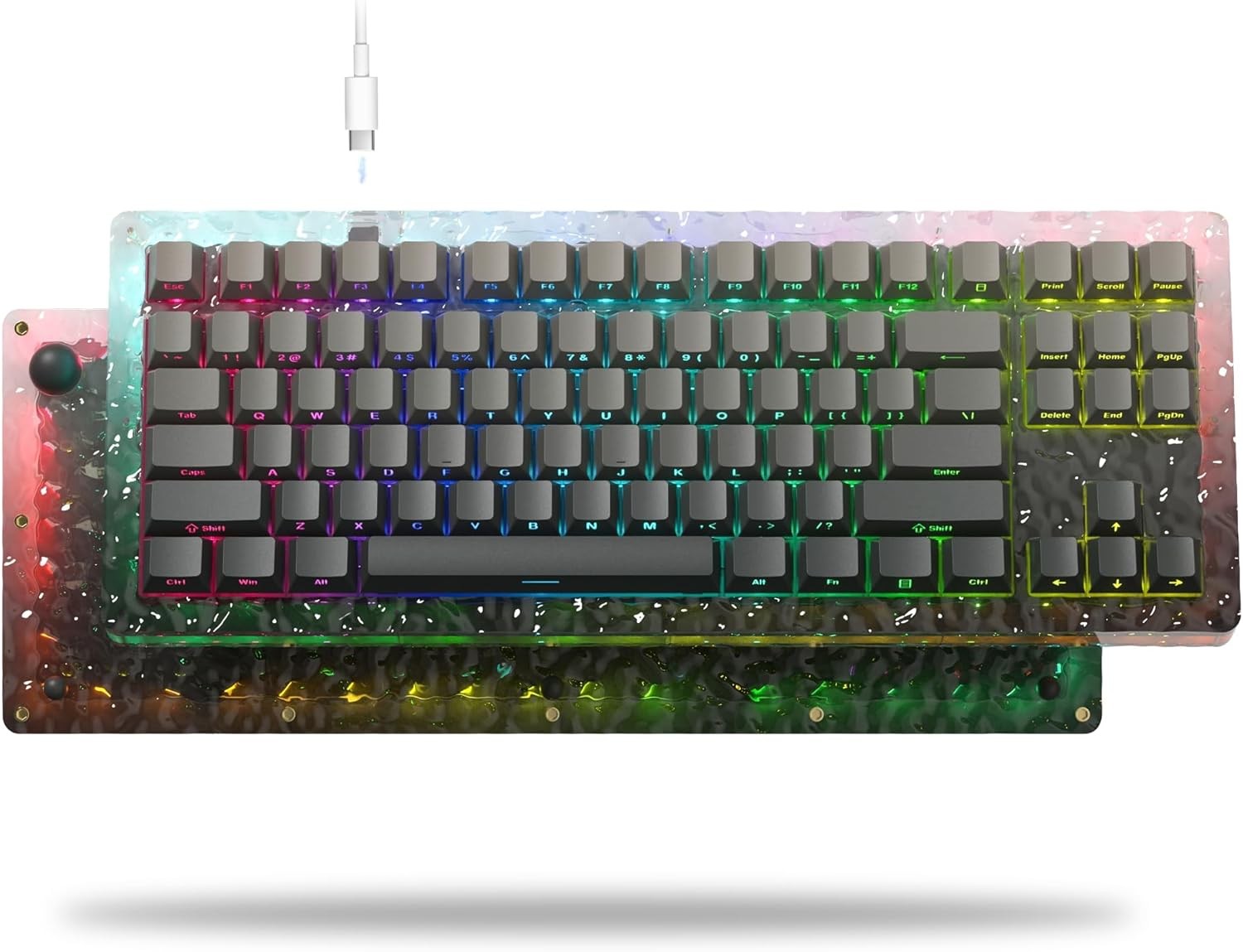
Mechanical keyboards have transformed from niche tools into mainstream productivity and gaming essentials. Among the many layouts that have emerged, the 75% keyboard stands out as a perfect balance between compact design and full functionality. Understanding The Evolution of the 75 keyboard Layout helps explain why it has become so popular among professionals, enthusiasts, and casual users alike.
Early Keyboard Layouts: Full Size to Compact
The Dominance of Full-Size Keyboards
For decades, full-size keyboards with 104 or 105 keys were the standard. They included everything: alphanumeric keys, function rows, navigation clusters, and a dedicated number pad. While functional, these keyboards consumed significant desk space and often forced awkward hand movements.
The Shift Toward Minimalism
As desk setups became more streamlined, users began seeking smaller keyboards. This led to the rise of tenkeyless (TKL) keyboards, which removed the number pad while keeping most other keys intact. TKL layouts marked the first major step toward compact efficiency and laid the groundwork for future innovations.
The Birth of the 75% Keyboard Layout
Combining Functionality with Compact Design
The 75% keyboard layout emerged as a response to limitations in both TKL and smaller layouts like 60%. Users wanted compactness without sacrificing essential keys such as arrows, function keys, and navigation buttons. The Evolution of the 75 Keyboard Layout represents this compromise—retaining nearly all critical keys while dramatically reducing width.
Key Characteristics of the 75% Layout
A typical 75% keyboard keeps:
- The full function row (F1–F12)
- Arrow keys
- A condensed navigation cluster (Delete, Home, Page Up/Down)
All of this is arranged tightly, often with minimal gaps, resulting in a layout that feels efficient and modern.
Popularity Among Enthusiasts and Professionals
Adoption in Mechanical Keyboard Communities
Mechanical keyboard enthusiasts quickly embraced the 75% layout. It offered more design flexibility for custom builds, including unique case designs, programmable keys, and hot-swappable switches. As custom keyboards gained popularity, The Evolution of the 75 Keyboard Layout became closely tied to personalization and premium craftsmanship.
Productivity and Ergonomic Benefits
Professionals such as programmers, writers, and designers found the 75% layout ideal. The reduced width allows for better mouse placement, decreasing shoulder strain and improving overall ergonomics. At the same time, the presence of function and navigation keys maintains workflow efficiency.
Modern Innovations and Design Trends
Wireless, Low-Profile, and Smart Features
Modern 75% keyboards now include wireless connectivity, low-profile switches, RGB lighting, and software customization. These advancements reflect how The Evolution of the 75 Keyboard Layout has kept pace with changing user expectations and technological progress.
Aesthetic and Functional Customization
From aluminum cases to themed keycaps, the 75% layout has become a canvas for creativity. Manufacturers and custom builders continue to experiment with spacing, layouts, and features while maintaining the core structure users love.
The Future of the 75% Keyboard Layout
The future looks promising for the 75% keyboard. As remote work, gaming, and minimalist desk setups continue to grow, demand for compact yet capable keyboards will remain strong. Ongoing refinements in layout efficiency, ergonomics, and smart features suggest that this form factor is far from reaching its peak.
Conclusion
The Evolution of the 75 Keyboard Layout reflects a broader shift in how people interact with their workspaces—prioritizing efficiency, comfort, and style without compromise. By blending compact design with near-full functionality, the 75% keyboard has secured its place as one of the most versatile and future-proof layouts in the keyboard world.
